
![JCB JZ140 [T4i], JZ141 [T4F] operator station diagram showing component locations for joysticks, consoles, and controls.](https://youfixthis.com/wp-content/uploads/2026/06/jcb-jz140-to-t4f-excavator-operator-manual-9831-4300-controls-28-300x300.webp)
Part of the JCB Operator Manuals.
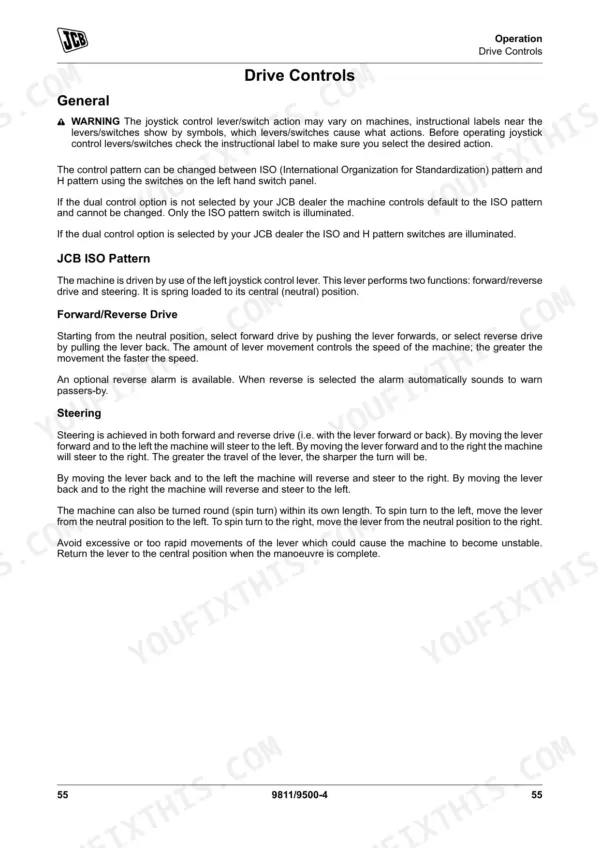
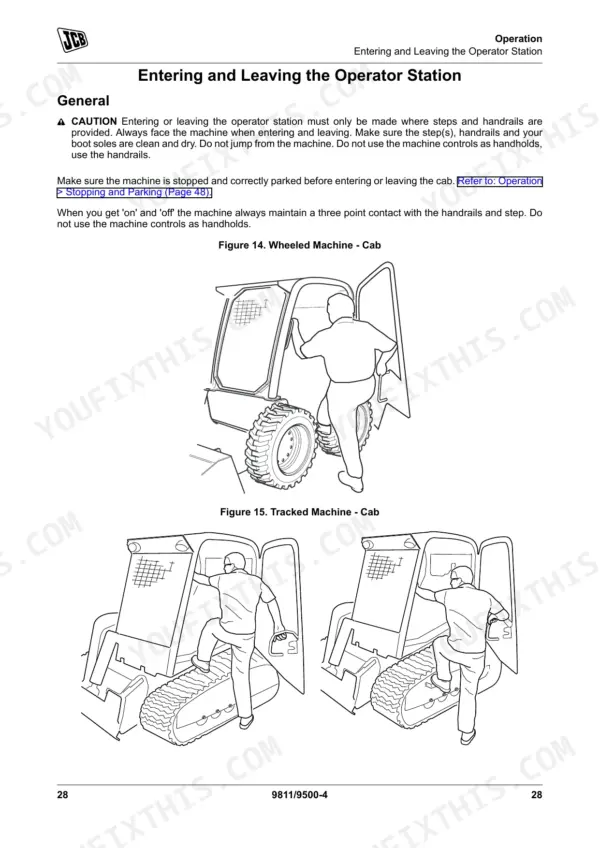
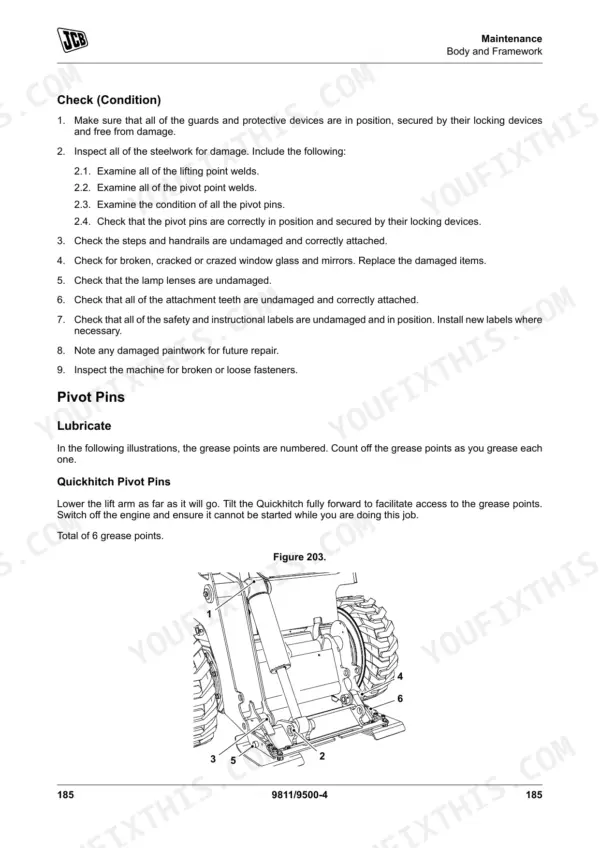
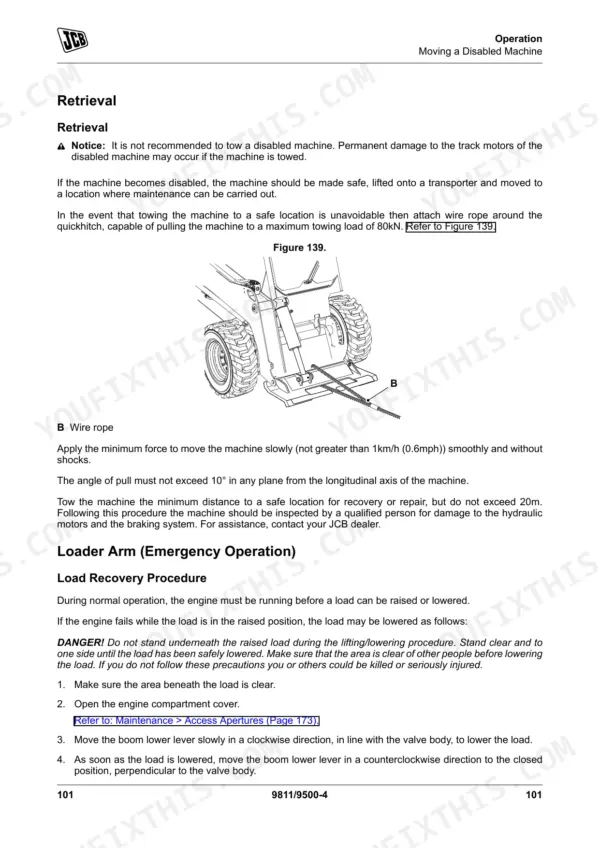
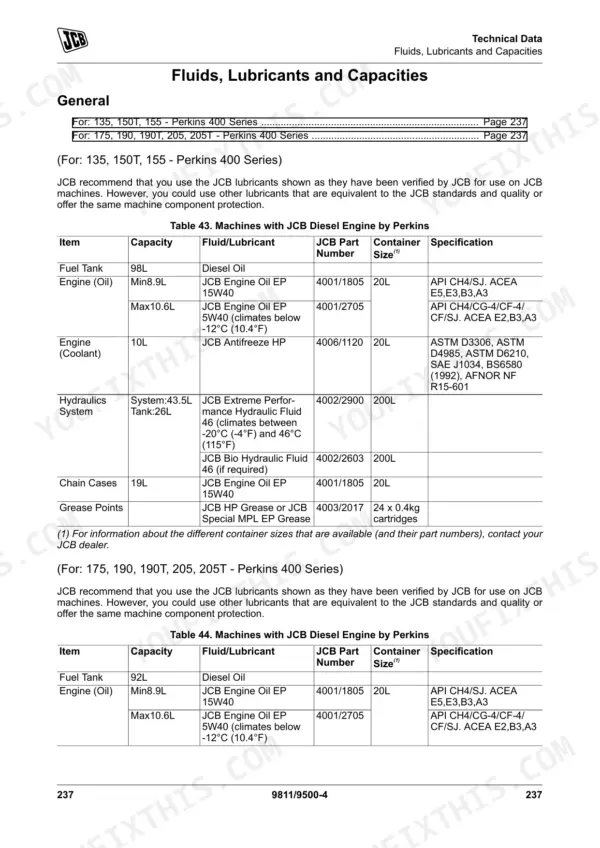
Looking for a reliable JCB 205 operator manual pdf? This 274-page factory guide (OEM #9811/9500) breaks down all the daily maintenance and cab controls for your JCB 135, 150T, 155, 175, 190, 190T, 205, and 205T Skid Steer Loaders. Complete dashboard indicator explanations, daily walk-around inspection checklists, and maintenance interval schedules are all here to keep your equipment out of the shop. Open up the technical data section to find complete fluid capacities, quickhitch attachment procedures, and safety warning charts. Verify your drive belt tension to ensure movement is less than 7mm, and confirm the lifting eyes are torqued to exactly 190 N·m before rigging the machine. Ignored daily checks will destroy a good loader. Download this bookmarked file to your tablet, walk out to the yard, and handle your preventative maintenance by the book.
Complete the set for your 135–205
Other editions of this manual
- JCB 215, 135, 190T, 150T, 155, 175, 205T, 210 Skid Steer Loader Operator Manual Original price was: $28.99.$19.99Current price is: $19.99.
- JCB 205, 135, 190T, 150T, 155, 175, 190, 205T Skid Steer Loader Operator Manual Original price was: $30.99.$19.99Current price is: $19.99.
- JCB 135, 155, 175, 190, 205 Skid Steer Loader Operator Manual Original price was: $29.99.$19.99Current price is: $19.99.
What's Inside This JCB 135–205 Operator Manual
| System | Pages | Key Topics |
|---|---|---|
| Acronyms Glossary | 11-12 | Cesar, DEF, ECU, Esos, Fead, Fops |
| About the Product | 19-32 | Introduction (General, Name and Address of the Manufacturer, Product Compliance) |
| Operation | 33-124 | Introduction (General), Operating Safety (General, Worksite Safety, Risk Assessment), Walk-Around Inspection (General) |
| Attachments | 125-158 | Working with Attachments, Quickhitch, Shovels, Forks, Snow Blade |
| Preservation and Storage | 159-164 | Cleaning, Storage |
| Maintenance | 165-232 | Maintenance Safety, Maintenance Schedules, Maintenance Positions, Service Points, Access Apertures, Engine, Fuel System, Cooling System |
| Technical Data | 233-274 | Static Dimensions, Performance Dimensions, Vibration Emissions, Fluids, Lubricants and Capacities, Electrical System, Warranty Information |
Quick Reference Specifications
| Specification | Value | Page |
|---|---|---|
| All Models | ||
| Lifting Eyes Torque | 190N·m | p. 258 |
| Hose replacement guideline | must be of the same size and standard | p. 223 |
| Seal replacement guideline | Renew whenever disturbed unless otherwise instructed | p. 167 |
| Battery voltage/system voltage | 12V | p. 259 |
| Drive belt tension movement limit | less than 7mm | p. 206 |
| Alternator belt adjustment bolt torque | 40N·m | p. 258 |
| Engine Oil Capacity (Max) | 10.6L | p. 249 |
| Coolant Capacity | 10L | p. 249 |
| Hydraulic Tank Capacity | 26L | p. 249 |
| Tyre Pressure (7x15, 14 Ply) | 3.8 bar (55 psi) | p. 252 |
| 135, 150T, 155 | ||
| Fuel Tank Capacity | 98L | p. 249 |
| 150T, 190T, 205T | ||
| Maximum Track Tension (Hard Ground Conditions) | 35mm | p. 253 |
JCB 135–205 Common Problems This Manual Covers
JCB 135 skid steer loader attachment response is sluggish and auxiliary hydraulic flow feels weak under load
Check the hydraulic oil level on the sight glass before operation. Verify the auxiliary standard flow reaches 70L/min as outlined on page 263. Inspect hydraulic hoses for visible damage and ensure the hydraulic tank is filled to the 26L capacity.
Manual Section: Technical Data p. 263Engine compartment emits a loud squealing noise during cold starts or when operating under heavy load
Inspect the drive belt condition and measure the tension movement limit before starting the engine. Adjust the belt so deflection is less than 7mm as specified on page 206. Torque the alternator belt adjustment bolt to exactly 40N·m using a calibrated torque wrench.
Manual Section: Maintenance p. 206Compact track loader undercarriage vibrates excessively and rubber track feels loose during hard ground operation
Clean packed mud from the undercarriage components and measure the track droop at the center roller. Adjust the grease cylinder to achieve a maximum track tension of 35mm for hard ground conditions as shown on page 253. Avoid over-tensioning the tracks.
Manual Section: Technical Data p. 253Machine pulls to one side during travel and steering feels heavy on paved surfaces
Measure tire pressures across all four wheels before the first shift of the day while the rubber is cold. Inflate the 7x15, 14 Ply tires to exactly 3.8 bar (55 psi) according to the specifications on page 252. Inspect tire treads for uneven wear patterns.
Manual Section: Technical Data p. 252Frequently Asked Questions
How do I reset the service light on a JCB skid steer?
To reset the service light, navigate to the service display which shows the time to the next service. Press and hold the information switch for 3 seconds to reset this display. p. 90
How do I reset fault codes on a JCB 135/155/175/190/205?
The manual describes how to cycle through error code messages using the Up or Down button on the right-hand switch panel to view different codes. However, it does not provide a procedure for resetting or clearing these fault codes. p. 87
What do JCB skid steer error codes mean?
The manual indicates that error codes can be accessed and cycled through using the Up or Down buttons on the right-hand switch panel. However, it does not provide a list or explanation of what specific error codes mean. p. 87
How do I clear a transmission or hydraulic fault code on a JCB loader?
The manual describes how to cycle through error code messages using the Up or Down button on the right-hand switch panel to view different codes. However, it does not provide a procedure for resetting or clearing these fault codes, nor does it differentiate clearing procedures for transmission or hydraulic specific codes. p. 87
What is the procedure to recalibrate the drive controls on a JCB skid steer?
The manual provides a procedure for adjusting the 'Track Value' to correct straight line travel, which is a form of drive control adjustment. To adjust straight line travel to the left (in forward direction), adjust track values down, and to adjust to the right, adjust track values up. The track values have a range of -99 to +99. p. 90
How quickly can I access this manual after buying?
A 274-page Operator Manual in searchable PDF format, available the moment you complete checkout. View on computer, tablet, or phone, with no shipping wait.
Is this JCB 135 & variants Operator Manual printable?
Yes. Print the pages you need for the job in your own shop, and bin them when they get greasy.











Reviews
There are no reviews yet.